

Mirage Master Edition for Epson
| Brand | |
|---|---|
| License Type | Single Seat, Floating |
| PRO Extension | No PRO Extension, With PRO Extension |
| Lightroom Plug-in | No, Yes |
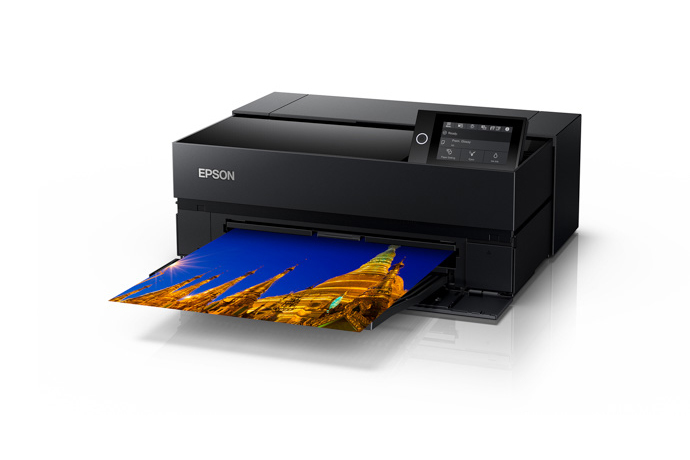
Mirage Master Edition for Epson is the broadest Epson edition of Mirage print software. It covers Epson Stylus Pro, Stylus Photo and SureColor printers up to 64 inches (162.6 cm) print width, so one license serves a studio or print shop with several Epson models.
If you only print on a 17-inch printer, the Mirage 17-Inch Edition for Epson costs less. For SureLab minilabs see the Mirage Lab Edition for Epson.
Supported printers
Epson Stylus Pro: 3xxx, 4xxx, 7xxx, 9xxx and 11xxx.
Epson Stylus Photo: R2880, R3000, P700, P900, XP-15000 and P400 (Windows 10 and 11 only).
Epson SureColor T-series: T3000, T3100, T3200, T3400, T5000, T5100, T5200, T5400, T7000, T7200, T5400M, SC-T3100x, SC-T3700D, SC-T3700E, SC-T7700D.
Epson SureColor P-series: P600, P800, P50xx, P60xx, P70xx, P80xx, P90xx, P100xx, P200xx, P7300, P7500, P9300, P9500, SC-P6500D, SC-P6500E, SC-P8500D, SC-P8500DL and SC-P20500.
Other: Epson SureColor SC-F500 (Windows 10 and 11 only) and SL-D500.
System requirements: Windows 10 (version 1909 or later), Windows 11, or macOS 10.15 or later.
Why print with Mirage
Mirage is aimed at photographers, fine art printers, print service providers and designers who want predictable output without trial-and-error prints. It works as a plug-in inside Adobe applications or as a stand-alone droplet, shows an accurate print preview with color-correct soft proofing, and can print to several printers at the same time. Saved media and printer settings, plus the Jobs Archive for reprints, keep repeat jobs consistent.
What is new in Mirage 2026
- Print templates with a Template Editor, plus free placement of files on the spread
- A File & Templates browser and a cleaner program interface
- Multiple print jobs at the same time, with Undo and Redo
- Improved handling of embedded logos and new image editing tools
- A new “Only Black Ink” print mode (available only with certain printer models and paper and ink combinations) and a “Simulation” setting
- Additional print marks and support for current operating systems, including macOS 26 (Tahoe), Windows 11 and Adobe CC 2026
Options
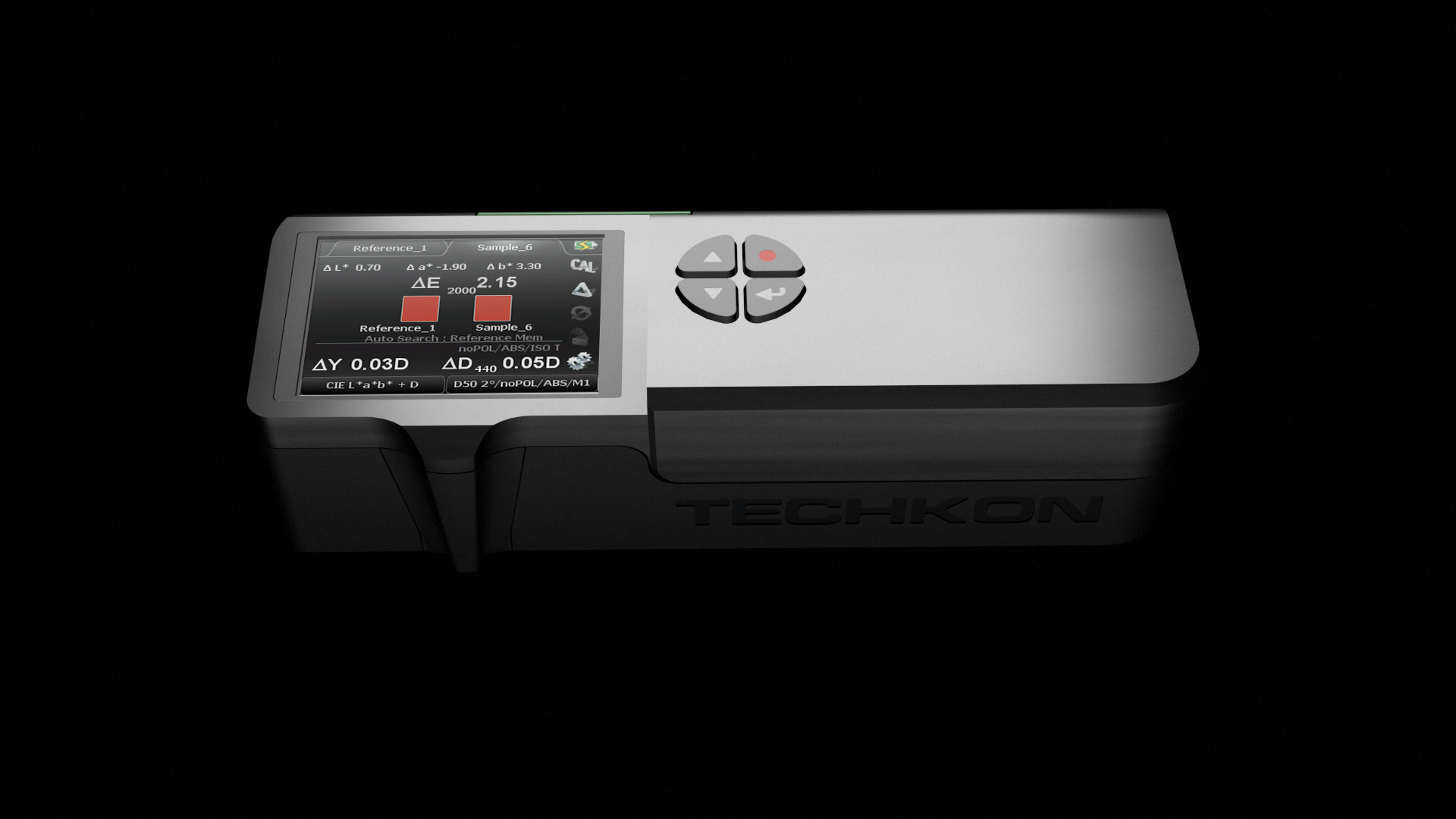
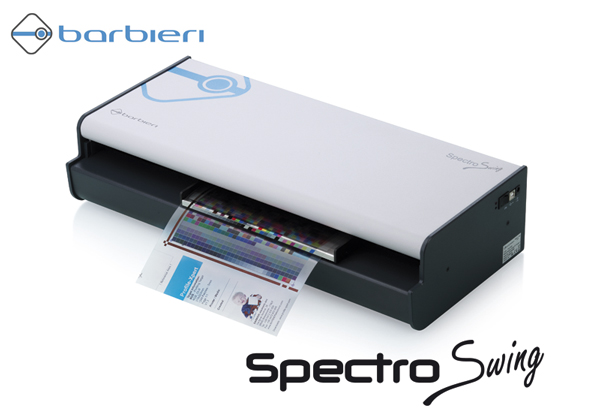
The PRO Extension option adds ICC profile creation with an Epson Spectro Proofer or a Canon spectrophotometer. It is also sold on its own as the Mirage PRO Extension.
The Lightroom plug-in option adds printing straight from Adobe Lightroom 5, 6, 7 and Lightroom Classic. It is also sold on its own as the Mirage Lightroom Extension.
Licensing and support
- Single Seat: use Mirage on one computer.
- Floating: install Mirage on several computers and run it on one computer at a time.
To run more than one computer at the same time, add Mirage Additional Seats. Mirage requires an account on the Mirage license server (license.dinax.com) with an active license, and an internet connection while you use it. Your purchase includes one year of free email technical support and feature updates. After that you can extend the update period at any time with a Mirage Update Pass.
Questions about which edition fits your printer? Contact us or browse all Dinax products and Print & Proof. Dinax also offers a 14-day trial of Mirage with full functionality at dinax.com.
Related products
Original price was: $849.00.$699.00Current price is: $699.00.
$600.00
Price range: $6,700.00 through $10,800.00
Price range: $650.00 through $6,250.00